 GamePad Controller GamePad Controller
GamePad Controller turns your screen into an on-screen gamepad and helps you find and label consoles on your own Wi-Fi network — no sign-up, no ads, nothing sent off your phone.
Three simple screens, no clutter.
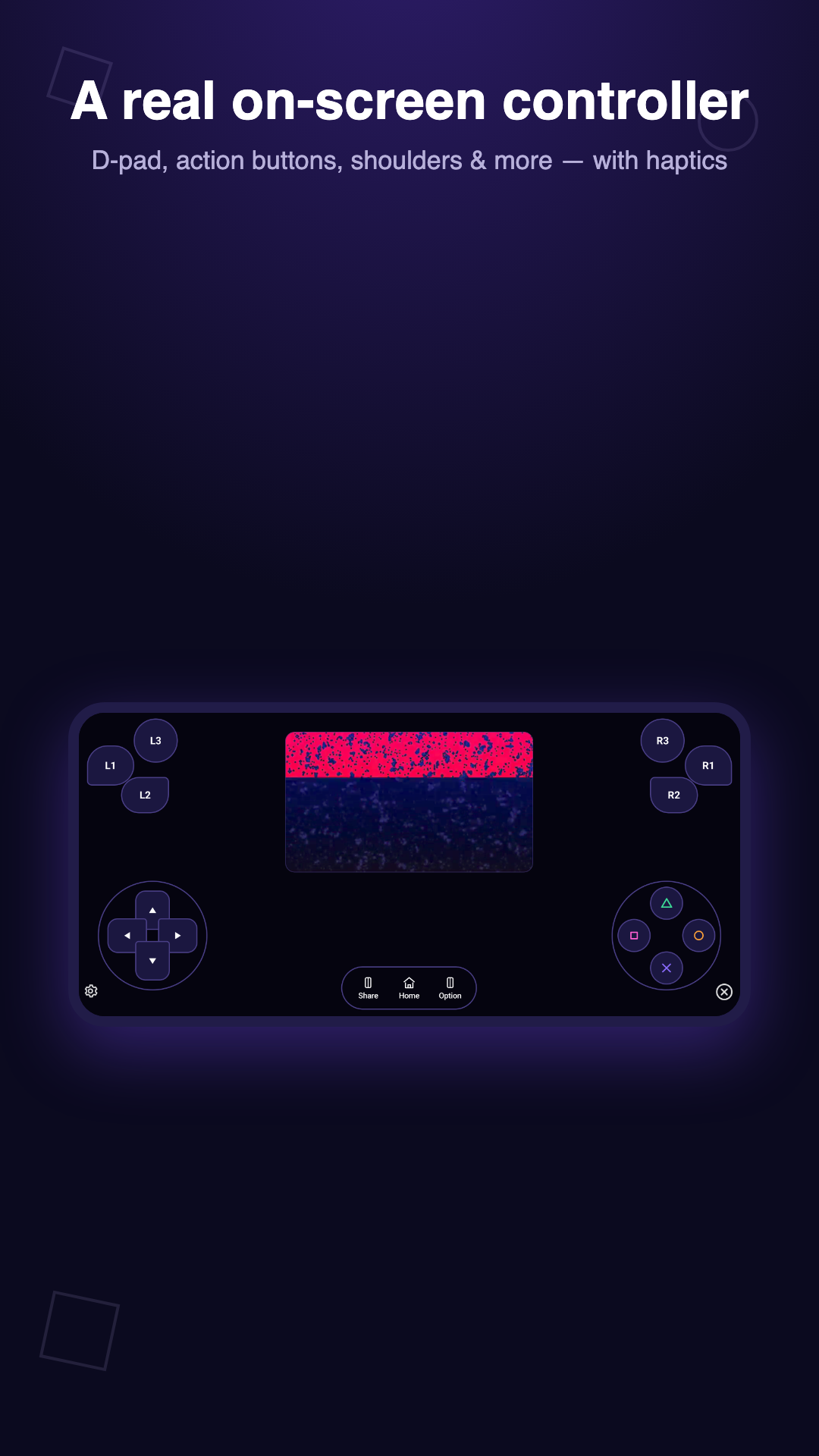
D-pad, action buttons, shoulder buttons, and haptic feedback — laid out like a handheld console.
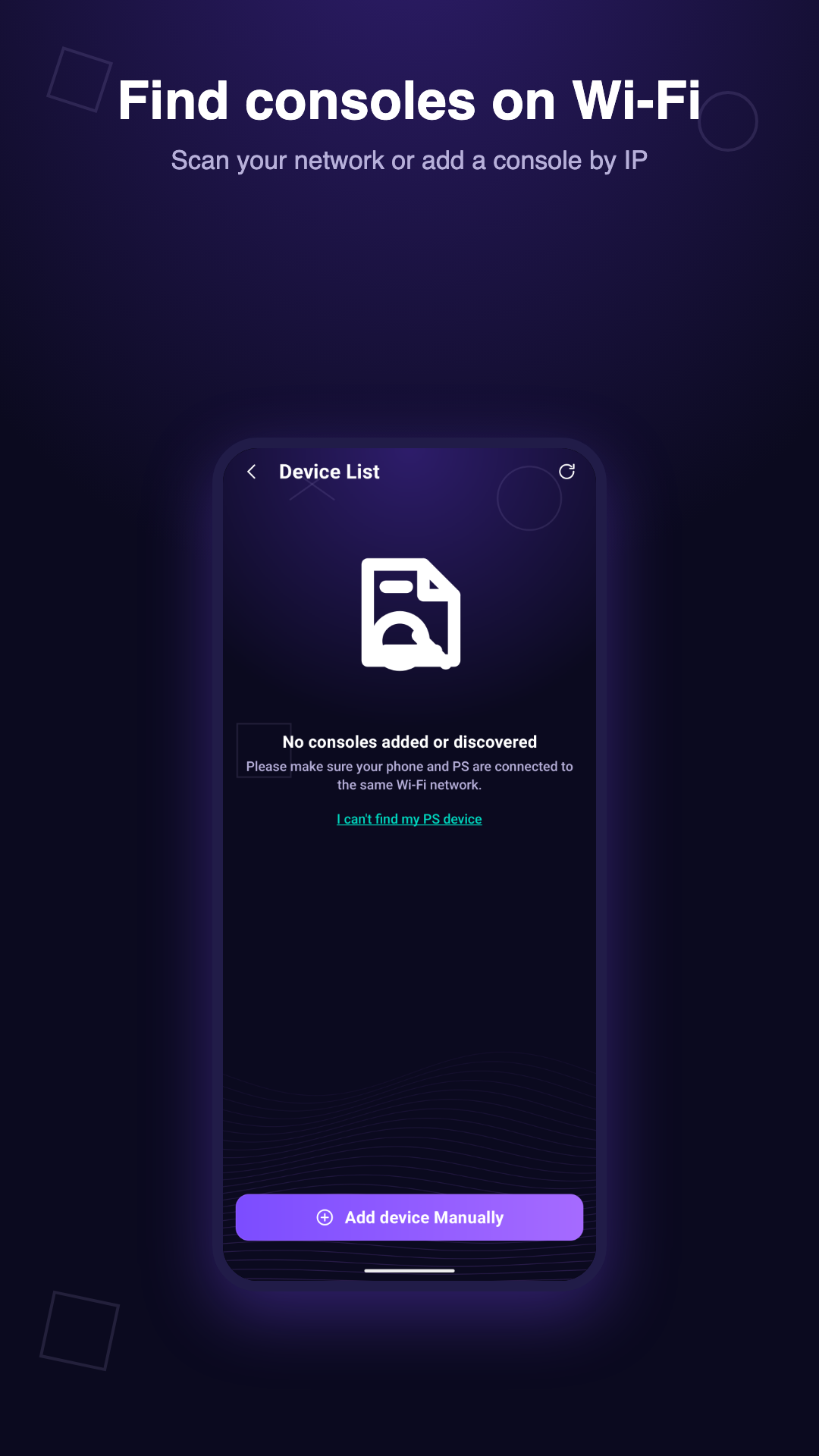
Scan your local network or add a console by its IP address, then give it a nickname you'll recognize.
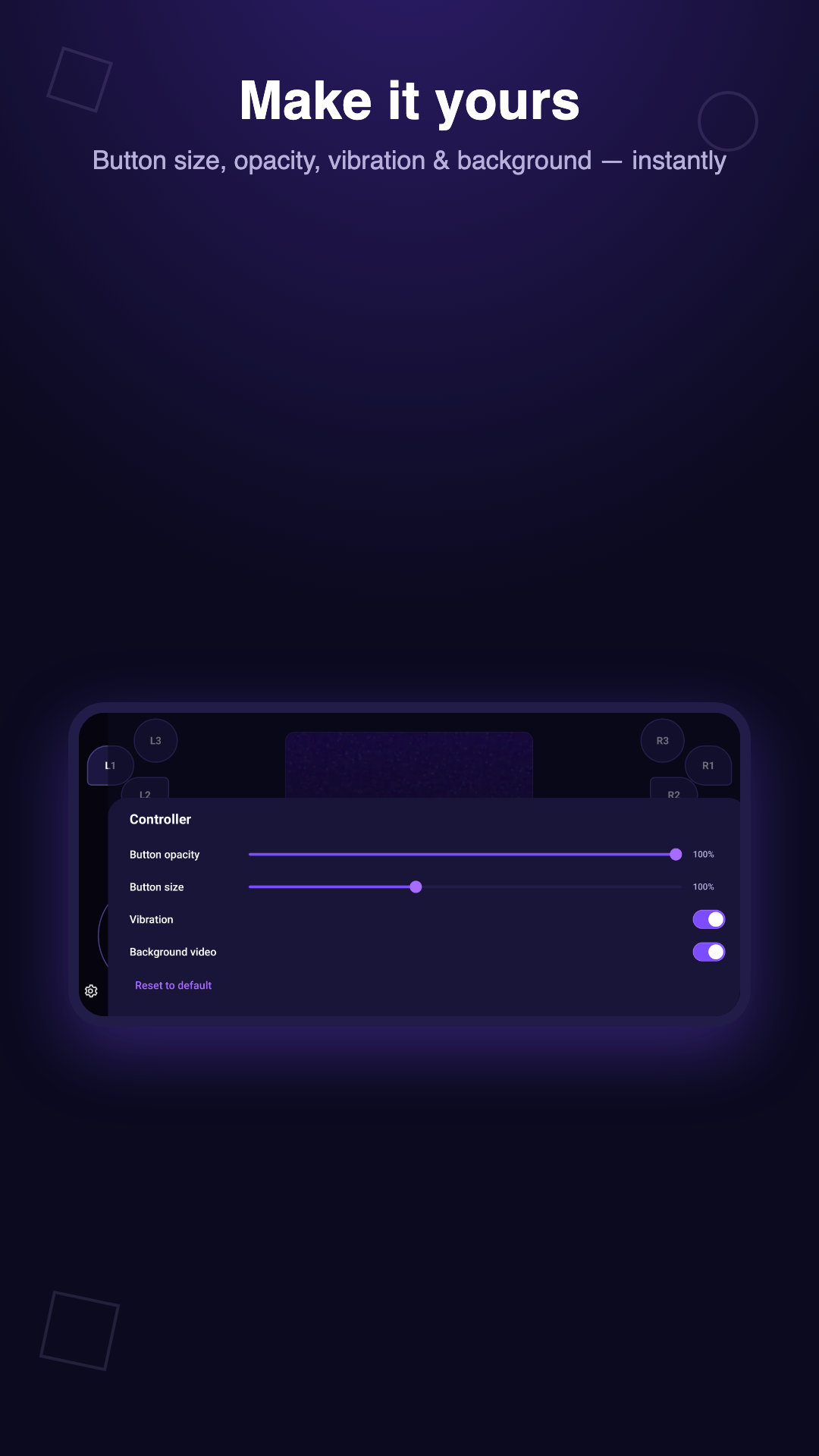
Adjust button size, opacity, vibration, and background — changes apply instantly, all stored on your device.
We'd rather be precise than impressive.
Buttons you tap on your own phone screen, with optional haptics.
Discovers and labels devices already on your home network, or lets you add one by IP.
The app does not stream gameplay video or send remote-control input to a real console.
Not sponsored by or connected to Sony, PlayStation, Microsoft, or Nintendo.
Nothing to sign up for, no advertising SDK, no crash or usage tracking.
Console entries and preferences are stored on-device only, using Android's local storage.
Read our Privacy Policy and Terms of Use for the full details, or reach out to us directly — we read every email.